System information
CPU-Z
Identify the processor, motherboard, memory, and graphics hardware installed in a PC.
Official CPU-Z download
Professional diagnostics, custom 3D builds, high-performance computer repair, personal data recovery, and software solutions at 504 W Olive Ave, Suite 2, Porterville, CA 93257.
Send your equipment details online or call/text to arrange a visit. A repair request does not confirm an appointment or price.
Start here
Tell us how to reach you, what equipment you have, and what problem you’re experiencing. We’ll review your request and contact you about next steps.
Submitting a request does not confirm an appointment or guarantee a price.
Reliable, fast, and guaranteed technical solutions in Porterville.
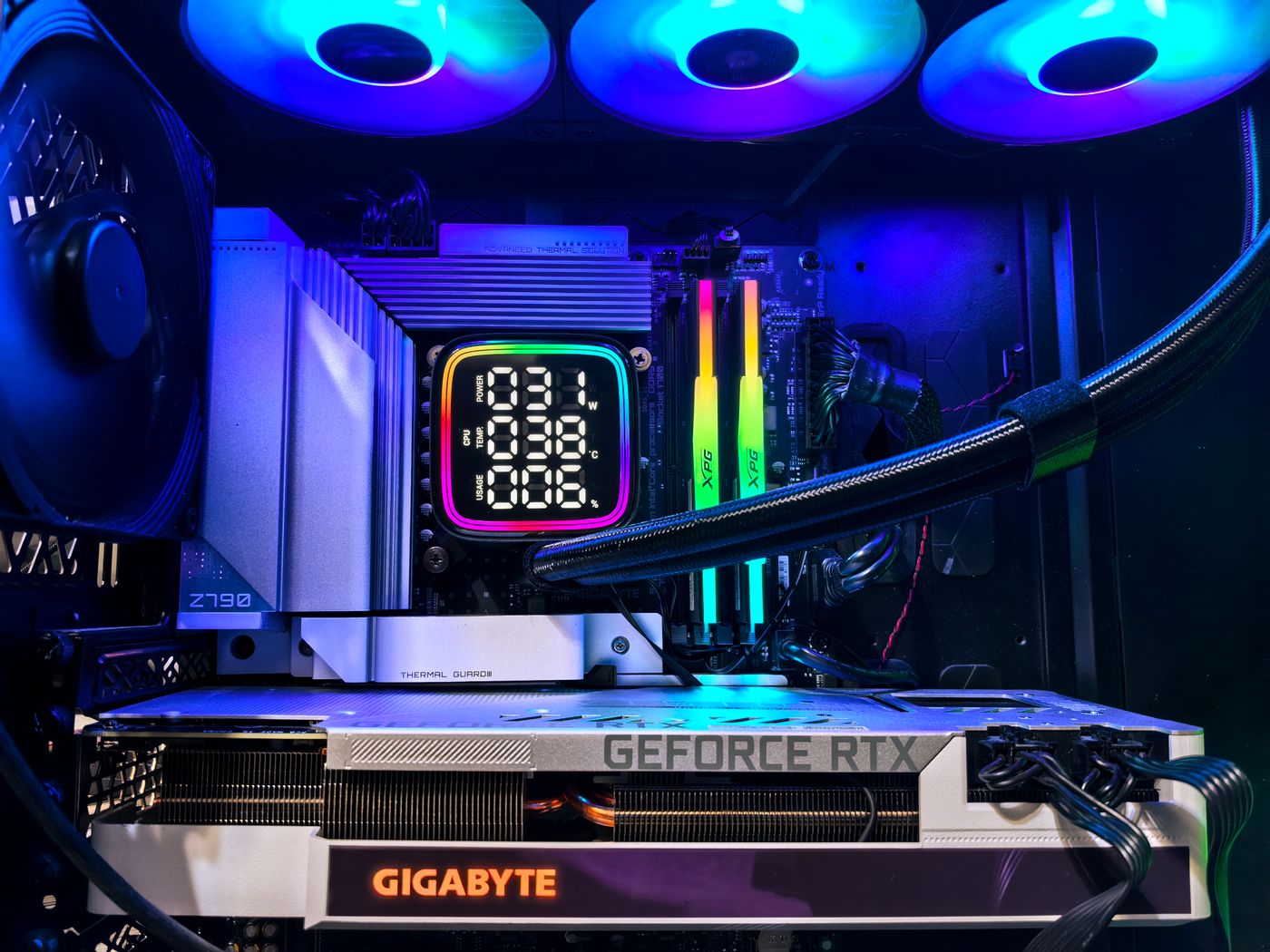
Repair, upgrades, and performance testing for gaming and sim racing PCs. We stress-test key components and check temperatures and stability before delivery.
Professional rescue of important files, family photos, and documents from damaged or corrupted drives.
Windows installation and software services for laptops and desktop computers.
Windows 10 reached end of support on October 14, 2025 and no longer receives regular security updates. We recommend Windows 11 for compatible computers. Learn more.
Screen replacement for laptops with cracked, damaged, or malfunctioning displays.
Troubleshooting and technical support for business and home servers.
See the latest reviews on our Google Business Profile.
We’re located in Porterville, California.
A handy collection of official download pages for checking PC components, monitoring temperatures, and validating system stability. These are third-party tools; MCR Computer is not affiliated with their publishers.
System information
Identify the processor, motherboard, memory, and graphics hardware installed in a PC.
Official CPU-Z downloadHardware monitoring
Read supported system sensors, including temperatures, voltages, and fan speeds.
Official HWMonitor downloadGPU monitoring
Monitor GPU temperature, clock speeds, and load while running a graphics test.
Official MSI downloadStability testing
Run controlled CPU, GPU, memory, and power stability tests with live sensor monitoring.
OCCT Personal is for personal use. Its publisher requires a Pro or Enterprise license for business use.
OCCT download & licensingPerformance benchmark
Benchmark CPU rendering performance and compare results across supported systems.
Official Maxon downloadMemory testing
Boot from a USB drive to test system memory independently of Windows.
Official MemTest86+ downloadDrive health
Review supported HDD and SSD health data, SMART status, and drive temperatures.
Official CrystalDiskInfo pageStress tests put sustained load on hardware and can raise temperatures quickly. Monitor the system and stop a test if temperatures or behavior become unsafe. Download software only from its publisher’s official site.
Select compatible components, visualize your case in 3D, and request a quote/build from MCR Computer.
Socket, memory type, and power checks update as you choose parts.
Drag to rotate and use scroll or pinch to zoom. This illustrative model updates its case color, fan count, GPU label, and lighting; check the component list for your selections.
The on-page checks cover CPU socket, RAM type, and estimated GPU power. MCR Computer confirms full part and case fit before the final quote.
Open a retailer search for each selected part to review current offers.